
1. Navigate to https://uptimecontroller.com/app/home
2. Click "Service Requests"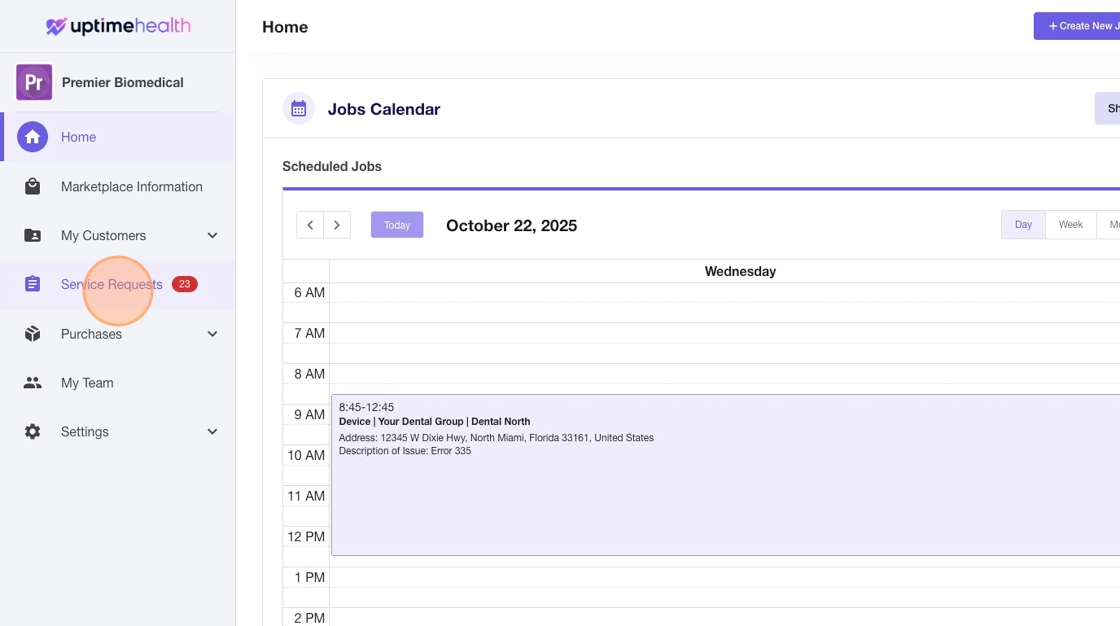
3. Click "Completed"
4. Click Work Order ID Number
5. Click "Download Invoice"
6. This will open up the invoice in a PDF in a new tab where you can download it, print it, or store it for you records.